
Memorizing vocabulary is where most language learners quietly give up. You learn 50 words in week one and forget 35 by week three. The language feels like it is leaking out of your head. The fix is not more effort. It is the right flashcard system, run on a tool that fits your routine.
This article covers 9 flashcard apps and deck-building tools for language learners. Inside: a comparison table with pricing dates shown per app and one pick per profile. We focus on what matters for vocabulary: spaced repetition quality, audio support, pre-made decks, card-creation speed, and portability.
Quick comparison table
| App | Best for | Free plan | Paid plan | Audio | Images | Pre-made language decks |
|---|---|---|---|---|---|---|
| Anki | Serious long-term learners | Yes (desktop, Android, web) | $24.99 one-time on iOS | Yes | Yes | Thousands (community) |
| Quizlet | Casual learners and students | Yes (with ads) | Plus $2.99/mo billed annually | Yes (TTS) | Yes | Millions (community) |
| Memrise | Listening to native speakers | Yes (limited) | Pro $24.99/mo, $61.99/yr, $99 lifetime | Yes (native video) | Yes | Curated by Memrise |
| Brainscape | Confidence-rated repetition | Yes (limited) | Pro $19.99/mo, $7.99/mo yearly, $199.99 lifetime | Yes | Yes | Yes (paid) |
| Mochi | Markdown power users | Yes | Pro $5/mo | Yes (TTS add-on) | Yes | No |
| NextLang | Generating portable language decks | 5 credits, refilled every 30 days | One-time packs $5-$25 | Yes (MP3s embedded in .apkg and .mochi) | No | AI-generated from your input |
| Drops | Visual vocabulary on mobile | Yes (5 min/day) | Premium around $13/mo, $70/yr, $75 lifetime | Yes | Yes (illustrations) | Built-in by language |
| Lingvist | AI-curated sentence cards | 14-day trial only | $9.99/mo, $79.99/yr ($6.67/mo) | Yes | Limited | Built-in by language |
| RemNote | Students mixing notes and cards | Yes | Pro $10/mo, Pro with AI $20/mo | Yes (TTS) | Yes | No |
What makes a flashcard app good for language learning
Most “best flashcard apps” lists treat all subjects the same. Language learning is not the same as memorizing biology terms. Before we go through each app, here are the five criteria we used to rank them.
Spaced repetition done right. The whole point of flashcards is to surface a word right before you forget it. If the app does not implement spaced repetition (or implements it poorly), you are basically using digital paper. Anki invented the modern SRS algorithm, and most quality apps now use a variant of it.
Audio support. A flashcard with “perro” on one side and “dog” on the other teaches you to read, not to speak. Native audio (or quality text-to-speech) builds the sound-meaning link your brain actually uses in conversation. This is non-negotiable for any serious language learner.
Images, not just translations. Showing a picture instead of an English translation forces your brain to skip the translation step. Over time, this is how you stop mentally translating before speaking. Drops makes this its whole pitch, but several other apps support images too.
Pre-made decks or fast card creation. You will need thousands of cards to reach conversational fluency. Either the app gives you ready-made language decks, or it makes adding cards so fast you do not mind doing it yourself. Anything in between is friction you will quit over.
Import options and ownership. Anki remains the strongest option for full export and control, but it is not the only import target here. Mochi accepts native .mochi packages, Quizlet accepts delimited text, and Brainscape accepts CSV and pasted data. These options matter when you want to generate a deck once and choose the study app later.
The 9 best flashcard apps and deck tools for language learning
1. Anki — best overall for serious learners
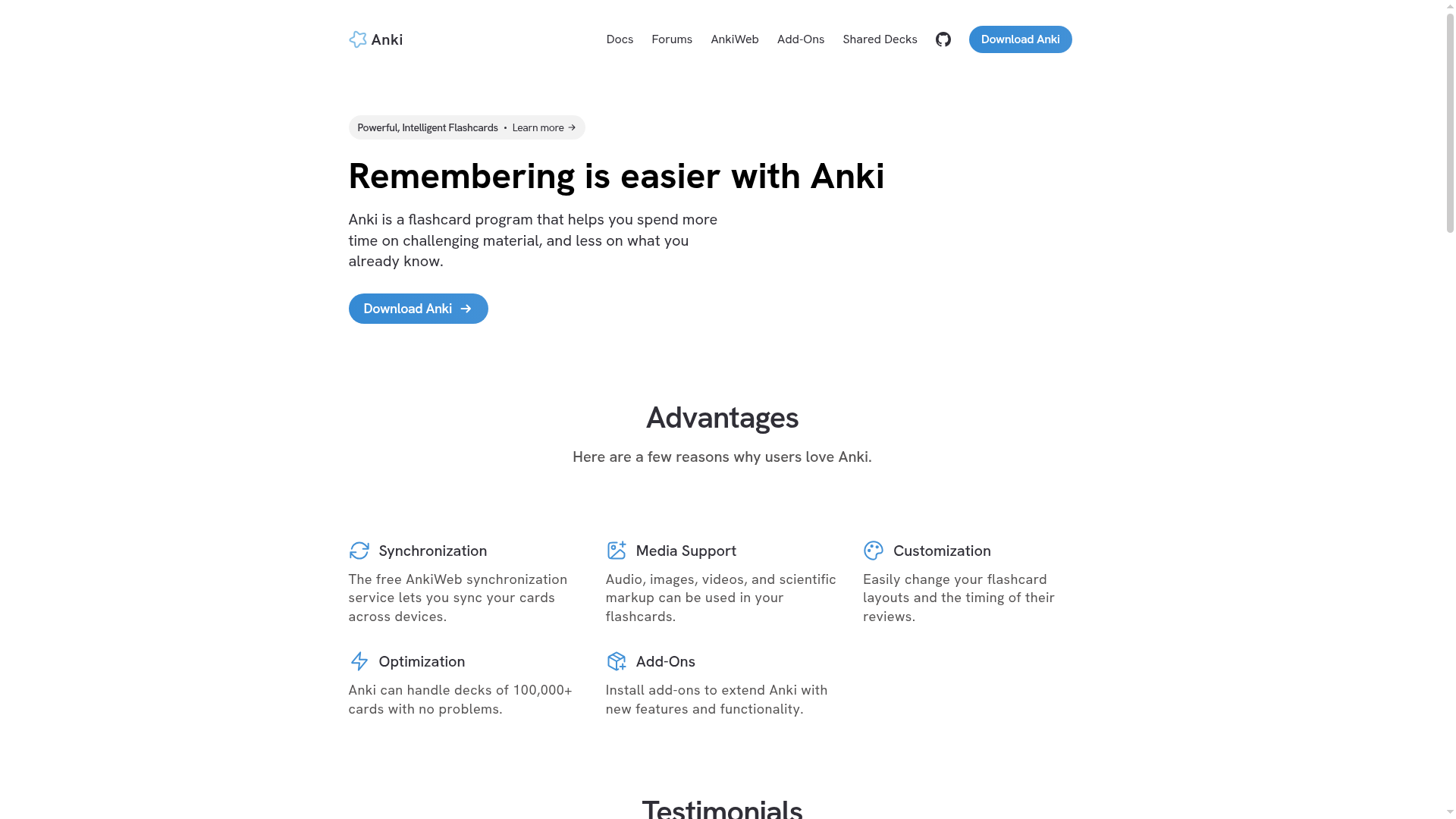
Anki is the reference. Its open-source spaced repetition algorithm has powered serious learners for nearly 20 years. Most newer apps still benchmark against it.
The interface looks like it was built in 2007 because it largely was. That is also why it never goes down, never raises prices, and never pivots to AI gimmicks. You get full control over your cards: text, images, audio, video, cloze deletions, custom card templates. The mobile sync is reliable and the desktop client is free. Over 100,000 shared decks are available to download (search “Refold,” “Tango N5,” or “Routledge Frequency” for solid language decks).
The catch is the learning curve. You will spend a couple of hours setting up your decks. The iOS app is a one-time $24.99 that goes to Anki’s main developer, so we consider it fair.
What we liked:
- Free on desktop, Android, and web
- The most accurate spaced repetition algorithm available
- Huge library of pre-made decks for every major language
- Add-ons let you import from Migaku, Yomitan, or any reader
- Full export and open formats make Anki the strongest option for data ownership
What could be better:
- Setup takes patience and a quick YouTube tutorial
- Default interface is functional, not pretty
- $24.99 on iOS will sting until you realize it pays for itself in a month
Pricing (as of May 2026): Free on desktop, Android, web. $24.99 one-time on iOS.
Who it is for: anyone learning a language for more than 6 months, or anyone who wants real control over their cards.
2. Quizlet — best for community decks and casual study
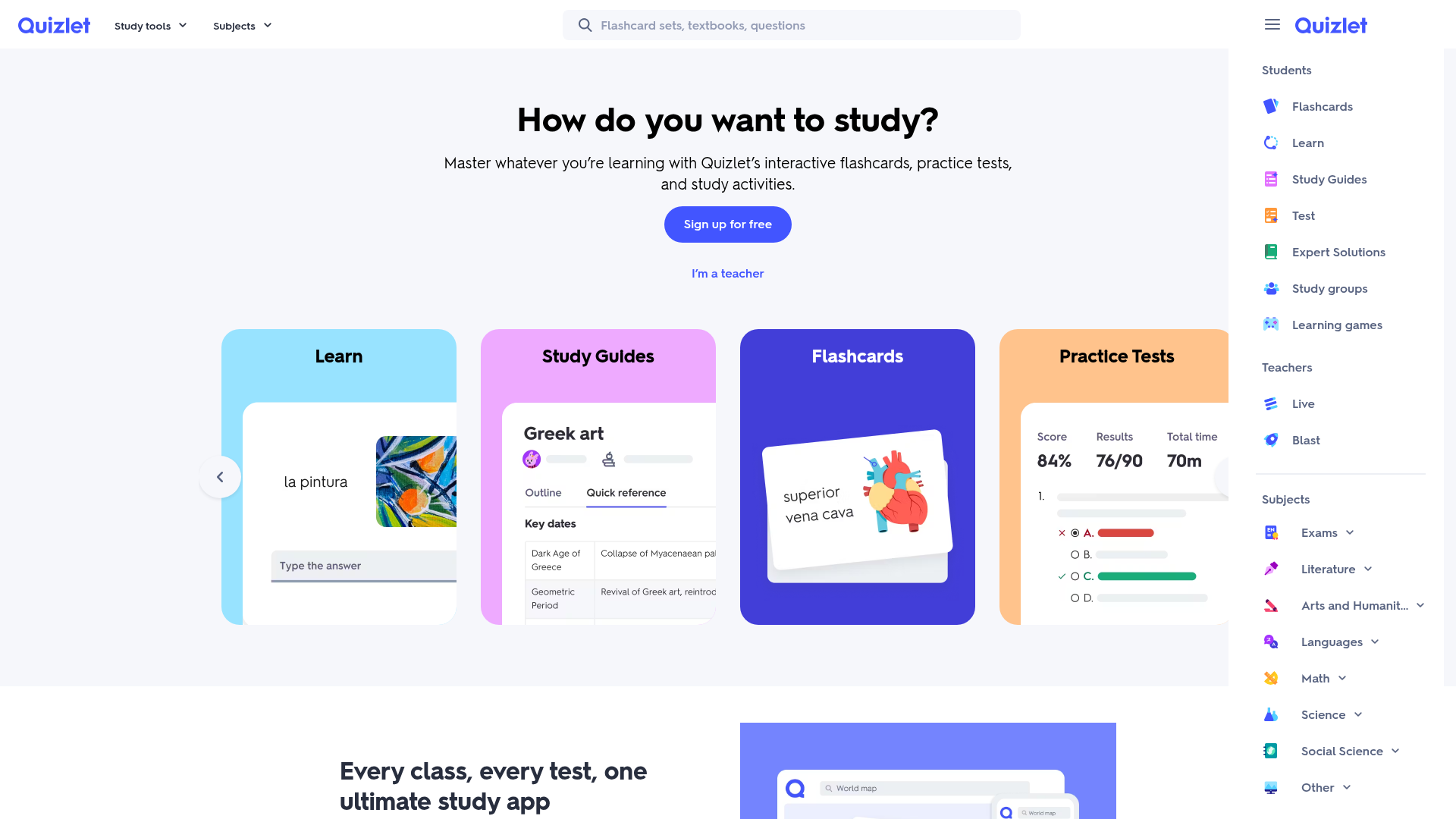
Quizlet is what your students or younger siblings use. It hosts the largest library of user-generated study sets on the planet. Millions of those decks are aligned to popular textbooks (Genki, Madrigal, Assimil).
The free tier shows ads but gives you the core study modes: Flashcards, Learn, Test, Match. The Learn mode is genuinely good for first-pass vocabulary acquisition. It mixes multiple-choice and typing prompts, and adapts based on which cards you miss. For language learners, the text-to-speech is solid in most major languages.
Where Quizlet falls short is for serious long-term study. The spaced repetition is hidden behind the Plus tier and is less sophisticated than Anki’s. Deck quality also varies wildly. A top-rated Spanish 1000 deck might be excellent, while a random user’s Japanese N5 set might be riddled with errors.
What we liked:
- Millions of pre-made decks for every language
- Slick interface that students actually enjoy using
- Strong free tier for casual learners
- Multiple study modes (not just flashcards)
What could be better:
- Best spaced repetition features sit behind the paywall
- Deck quality varies because anyone can upload
- Less suited to power users who want deep customization
Pricing (as of May 2026): Free with ads. Plus $2.99/month billed annually ($35.99/year). Plus Unlimited $3.75/month billed annually ($44.99/year).
Who it is for: students using a textbook with an existing Quizlet deck, or anyone who wants frictionless study with zero setup.
3. Memrise — best for native speaker audio and video
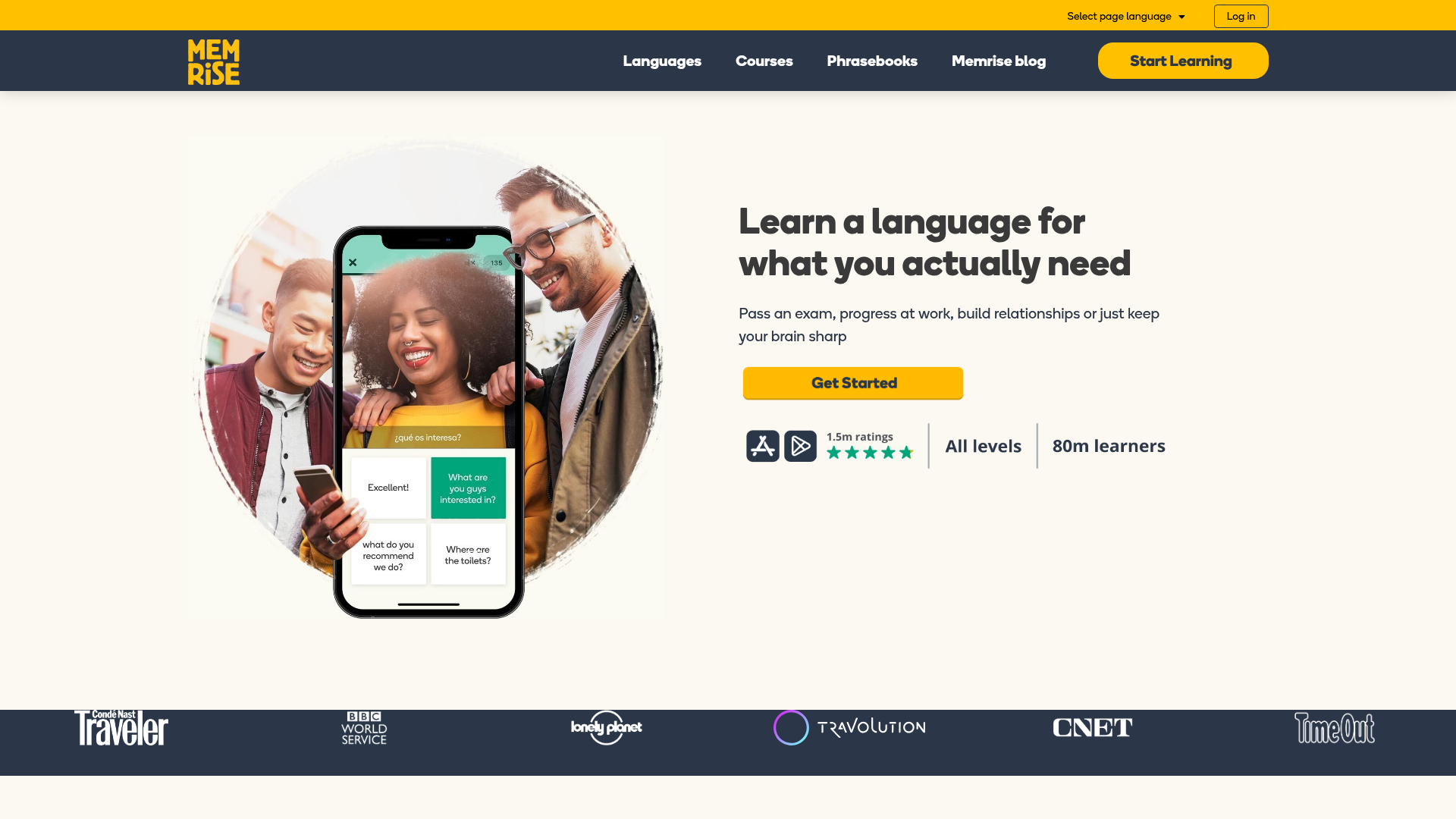
Memrise pivoted in recent years from a pure flashcard app to a video-first immersion platform. The flashcard experience now uses short clips of native speakers saying real sentences. You recognize them, type them, and eventually speak them back.
This fixes the biggest weakness of traditional flashcards. You hear the language as it is actually spoken, with regional accents and natural speed, instead of robotic TTS. The Pro tier adds AI conversation practice and exam prep tests, which work decently for B1-level practice.
The flip side is that Memrise no longer lets you create custom decks the way it used to. You learn from Memrise’s curated content, in their order. If you want to study your own vocabulary, this is the wrong tool.
What we liked:
- Native speaker video clips for every word and phrase
- Strong AI speaking practice in the Pro tier
- Built-in lessons aligned to CEFR levels
- Free tier covers the basics for most languages
What could be better:
- Almost no custom card creation anymore
- Limited language coverage compared to Anki or Quizlet
- Pro pricing is high for what is effectively a video course
Pricing (as of May 2026): Free (limited). Pro $24.99/month, $61.99/year, or $99 lifetime.
Who it is for: beginners in a major language (Spanish, French, German, Japanese, Korean) who want native speakers from day one.
4. Brainscape — best for confidence-rated repetition
Brainscape uses an elegant variant of spaced repetition. After each card, you rate your confidence from 1 (no clue) to 5 (perfect recall). The algorithm uses your ratings to decide when to show each card again.
For language learners, this maps well to how vocabulary actually settles into long-term memory. A word you “kind of” know is more useful to review than one you confidently mastered. Brainscape’s clean interface is also miles ahead of Anki’s, which makes daily review less of a chore.
The downside is the price-to-value ratio. The Pro tier unlocks features you get free in Anki, and the pre-made language decks are limited compared to Quizlet’s library. The lifetime option at $199.99 makes more sense than the monthly plan.
What we liked:
- Confidence-based rating feels natural after a few sessions
- Clean, modern interface across web and mobile
- Decent library of “certified” language decks
- Lifetime pricing removes the subscription anxiety
What could be better:
- Free tier is very limited
- Monthly price is high given Anki exists
- Smaller community than Quizlet
Pricing (as of May 2026): Free (limited). Pro $19.99/month, $7.99/month billed yearly, or $199.99 lifetime.
Who it is for: learners who want Anki’s algorithm with a cleaner interface, and who prefer to pay once for lifetime access.
5. Mochi — best for markdown power users
Mochi is the flashcard app for people who already live in markdown. You write cards in plain markdown (with code blocks, LaTeX, embedded images), and Mochi handles the spaced repetition and sync. It is local-first, which means your data stays on your device and syncs across platforms when you are online.
For language learners, the markdown approach is surprisingly powerful. You can paste sentences from a reader, format them with bold target vocabulary, and add images or audio inline. The “templates” feature lets you build cloze-deletion cards or sentence-pair cards once, then reuse them.
Mochi is not designed for language learning specifically, so there are no pre-made language decks. You are building your own library, which takes time. But for learners doing extensive reading (Mandarin novels, Japanese light novels, Spanish news), Mochi is one of the best tools available.
What we liked:
- Markdown editing is fast and predictable
- Local-first storage with reliable sync
- Free tier is genuinely usable
- Pro tier is the cheapest serious option at $5/month
What could be better:
- No pre-made language decks
- Learning curve if you do not already use markdown
- Smaller community means fewer add-ons than Anki
Pricing (as of May 2026): Free. Pro $5/month.
Who it is for: developers, note-takers, and self-directed learners who want a beautiful Anki alternative.
6. Drops — best for visual vocabulary on mobile
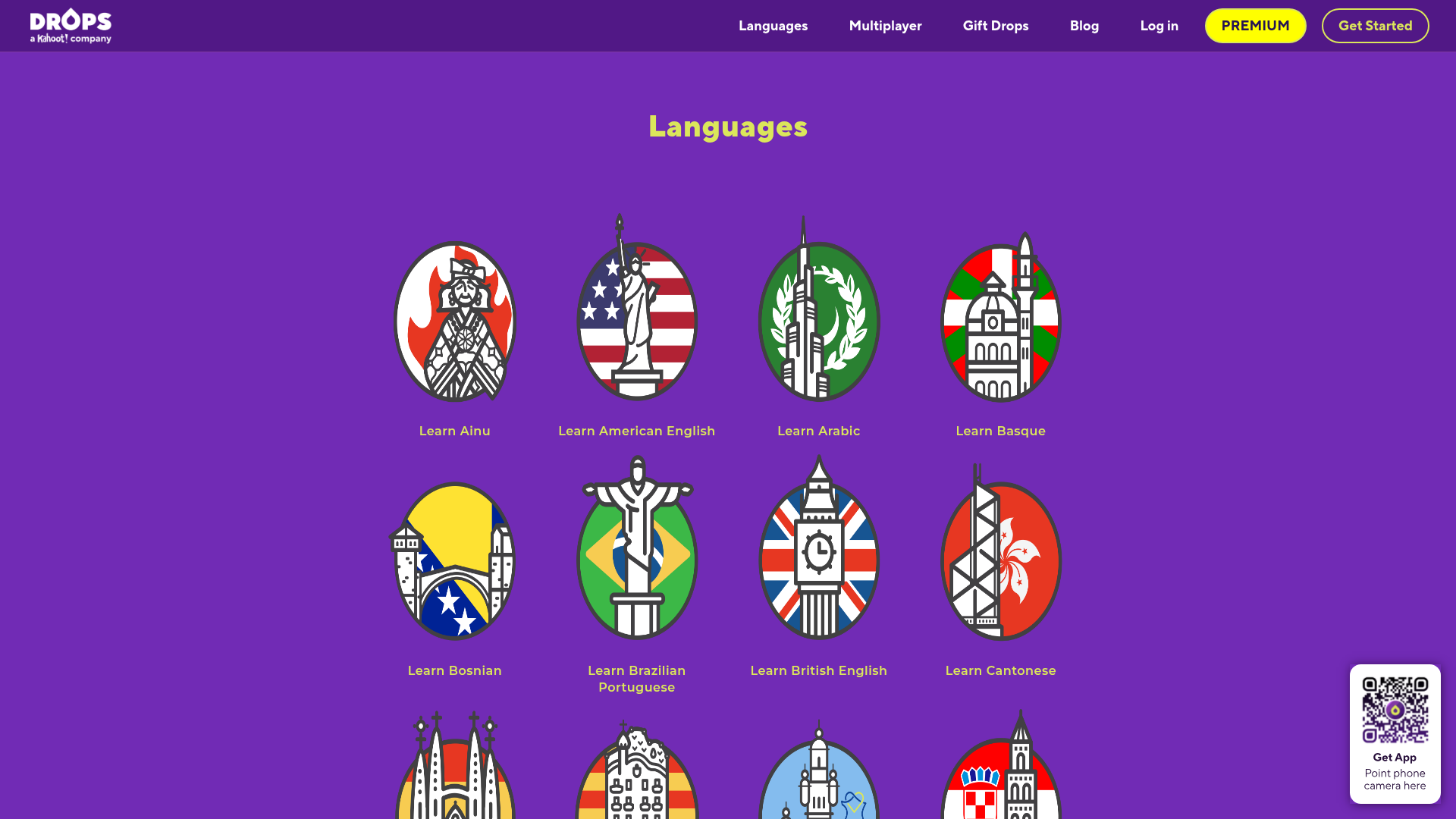
Drops rejects translations almost entirely. Every word is paired with a small illustration, and you learn by matching pictures to words in short 5-minute sessions. The free tier limits you to one 5-minute session per day. That is either a deal-breaker or a clever motivation trick, depending on your personality.
For visual learners and beginners, this approach works. You skip the English-translation step and link the new word directly to the image. Drops covers 50+ languages, including rarer ones like Ainu, Hawaiian, and Yoruba, which is impressive.
The limitation is depth. Drops teaches you vocabulary, not grammar, sentences, or pronunciation in context. You will need a complementary app (or actual lessons) to reach conversational level. The illustrations also feel infantilizing for some advanced vocabulary.
What we liked:
- Image-based learning skips translation entirely
- 50+ languages including rare ones
- Beautiful mobile design and short sessions
- Premium lifetime at $75 is reasonable
What could be better:
- Vocabulary only, no grammar or sentences
- Free tier is genuinely limited (5 min/day)
- Illustrations cover concrete nouns well, abstract concepts less so
Pricing (as of May 2026): Free (5 min/day). Premium around $13/month, $70/year, or $75 lifetime.
Who it is for: visual learners who want a low-effort daily habit, especially for less-common languages.
7. Lingvist — best for AI-curated sentence cards
Lingvist takes a different approach. Instead of letting you build decks, it serves AI-selected sentence cards drawn from a frequency-ranked corpus. You see real sentences, fill in the missing word, and the system tracks which words you know.
Many intermediate learners hit the “I know 2000 words but cannot understand a podcast” wall. Lingvist’s frequency-based vocabulary expansion is genuinely useful at that point. The cards are always sentences, never isolated words, which builds context awareness.
The trade-off is loss of control. You cannot easily add your own vocabulary, language depth is uneven, and the free trial requires a credit card. The interface is also less polished than Memrise or Drops.
What we liked:
- Sentence-based cards build context, not isolated words
- AI selects high-frequency vocabulary first
- Strong for intermediate learners stuck at a plateau
What could be better:
- No custom decks
- Credit card required even for the free trial
- Pricier than most alternatives
Pricing (as of May 2026): 14-day free trial (annual plan only). $9.99/month, or $79.99/year ($6.67/month).
Who it is for: intermediate learners (A2 to B2) who want to expand vocabulary efficiently in a major language.
8. RemNote — best for students mixing notes and flashcards
RemNote is a note-taking app with built-in flashcards. You write notes (lecture notes, vocabulary lists, grammar rules) and turn any line into a flashcard with one keystroke. The spaced repetition engine runs across all your notes automatically.
For language learners doing structured courses (university classes, intensive programs, exam prep), this is a powerful workflow. You take notes during class, mark vocabulary or grammar points as flashcards inline, and review them later without rebuilding decks. The Pro with AI tier adds automatic card generation from your notes.
The downside is overkill if you only want flashcards. RemNote’s full feature set (PKM, references, queries) is more than most language learners need, and the price reflects that.
What we liked:
- Notes and flashcards live in the same app
- Strong for structured study (classroom or self-paced courses)
- AI tier can extract cards from your notes automatically
- Free tier is generous
What could be better:
- Overkill if you only want a flashcard app
- Pro pricing is high compared to Mochi
- Less polished mobile experience than Anki or Quizlet
Pricing (as of May 2026): Free. Pro $10/month. Pro with AI $20/month.
Who it is for: university students or anyone running structured study with detailed notes.
9. NextLang — best for generating portable decks with audio
NextLang sits between your source material and the app where you study. Choose a source and target language, set a CEFR level from A1 to C1, then add vocabulary or source text. The same source can become an Anki .apkg, a Mochi .mochi package, a Quizlet-ready set, or a Brainscape CSV.
Most AI deck generators stop at copy-and-paste text or target Anki alone. NextLang is the only generator we found that exports a native .mochi package with pronunciation audio embedded. The package works without Mochi Pro. Its Anki and Mochi packages also include the word-audio MP3 files, so Anki does not need a separate text-to-speech add-on. Word audio is free in all 20 supported languages; audio for example sentences is a paid feature.
The pricing model also stands out. There is no subscription: every account gets 5 free credits that refill every 30 days, followed by optional one-time credit packs. One credit generates a set of 5 to 30 cards (free credits are capped to a maximum of 15 cards per generation). The destination app still controls the long-term scheduling and study experience, so NextLang works best as a deck-building layer rather than a replacement for Anki, Mochi, Quizlet, or Brainscape.
What we liked:
- One source exports to four apps
- Native
.apkgand.mochipackages include pronunciation MP3s - Language pair and CEFR level are explicit inputs
- Recurring free credits and one-time packs instead of a subscription
What could be better:
- AI-generated translations and examples still deserve a quick review
- Its main advantage is deck creation, not a richer study system than the destination apps
- Images are not included in generated cards
Pricing (as of August 2026): 5 free credits (max 15 cards per free generation), refilled every 30 days. One-time packs from $5 to $25.
Who it is for: learners who want audio-ready cards without building templates, installing a TTS add-on, or committing their source material to a single flashcard app.
How we chose
We tested the original eight study apps on a real workload. The dataset: 50 Spanish vocabulary cards, 50 sentences from a French novel, and 50 Japanese N5 kanji. We tracked four things: card-creation speed, audio quality, pre-made deck availability, and how daily review felt after one week.
NextLang was added in August 2026 after we reviewed its current export formats, audio packaging, and pricing against its product and documentation. We also checked each target app’s official import documentation. We did not rerun the original one-week study test because NextLang is primarily a deck generator, not the app that schedules those reviews.
We also weighted pricing fairly. An app that costs $20/month must be measurably better than a free or $5 alternative, not just slightly nicer to look at.
Our pick by learner profile
For most learners: Anki. It is free, it is the best at what it does, and the time you spend learning it pays back within weeks. Use a pre-made deck (Refold or Tango decks for major languages) to skip the setup pain.
For students with a textbook: Quizlet. Search for your textbook chapter on Quizlet and you will likely find a community deck already. Plus the price is right.
For absolute beginners: Drops or Memrise. Both make daily practice frictionless. Drops if you are visual and time-pressed, Memrise if you want to hear native speakers.
For intermediate learners stuck at a plateau: Lingvist is genuinely useful at this stage. Frequency-ranked sentences will surface the words you actually need next.
For power users and developers: Mochi. The markdown editing alone justifies the $5/month, and you keep full ownership of your data.
For learners who want the same source deck in multiple apps: NextLang. It removes the formatting and audio work, then lets you choose between Anki, Mochi, Quizlet, and Brainscape.
The single biggest mistake we see learners make is shopping for an app forever instead of picking one and using it daily. The “best” flashcard app is the one you open every morning. Start with Anki or Quizlet today, use NextLang if card creation and audio are your bottlenecks, and switch only if you have a clear reason to.
For more on the science behind why flashcards work, see our guide on how to overcome a language learning plateau. If you are exploring whether AI tools can replace flashcards (spoiler: not yet), our best AI tools for language learning round-up is the place to start.