Playground
Free
- Search a word and hear it in real YouTube clips
- Free in the browser with a daily limit per visitor

VocaFlare Clips finds a word in real YouTube videos and plays each clip from the second it is spoken, with the caption line and a CEFR level. You can search English or Spanish words for free in the browser.
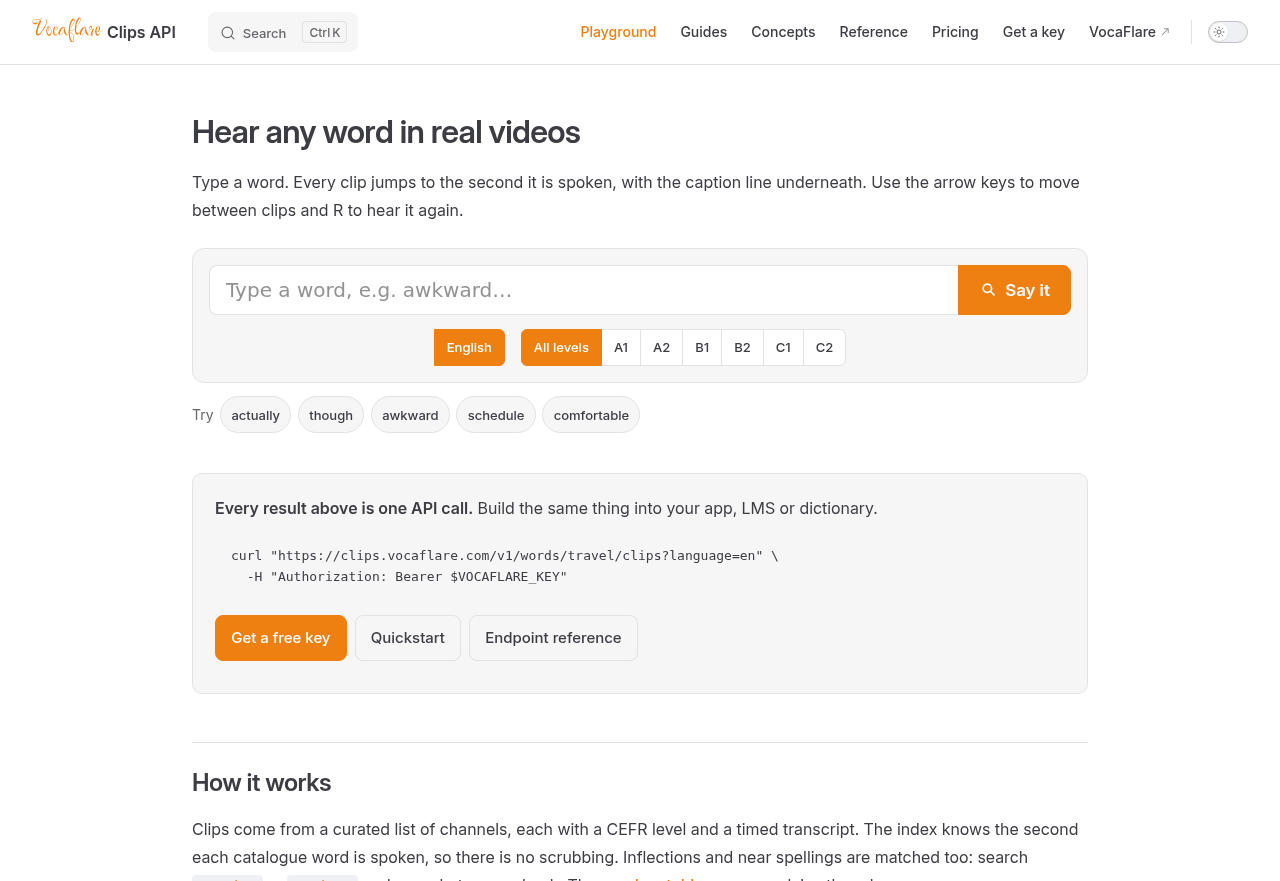
VocaFlare Clips is a word lookup tool that lets you hear how a word sounds when people actually use it, drawing on moments from real YouTube videos. It builds listening comprehension and vocabulary knowledge in context. It stands apart for its precomputed index of a curated set of channels, which removes the need to scrub through videos, and for exposing the same search to developers through an API.
The tool suits learners who have met a word in reading or a word list and want to hear it in natural speech, including words whose spelling gives little clue to their pronunciation. Because each source channel carries a CEFR level, learners can judge whether a clip's surrounding language is likely to match their own level. Teachers can use it to find quick spoken examples of a target word for class. Developers building language apps, learning management systems or dictionaries can add the same word-to-clip search to their own products.
You type a word into the browser playground and get a set of clips. Each clip starts at the second the word is spoken, with the matching caption line shown underneath. The arrow keys move between clips and the R key replays the current one, so you can hear several speakers say the same word in quick succession. The search also matches inflected forms and close misspellings, so a conjugated form or a typo still returns results. Behind this, every catalogue word is indexed against the timed transcripts of the selected channels.
Compare the available plans and their included features.
Free
Free
$19.99/month
$99.99/month
Contact sales
The directory lists 22 video and TV tools.