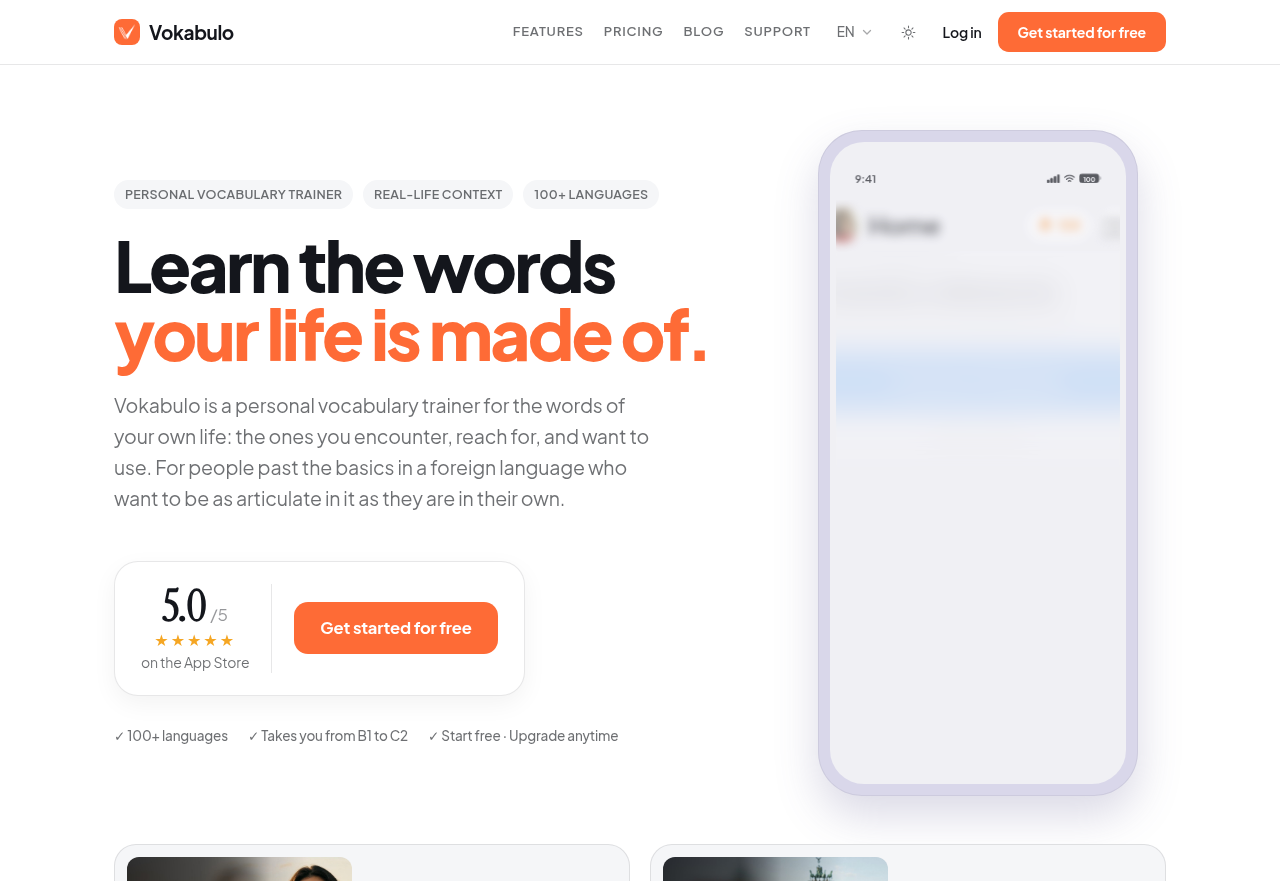
Vokabulo is a vocabulary app built around the words learners meet in their own work, reading and conversations rather than a fixed course syllabus. It focuses on expressive range: finding the precise word, using natural phrasing, and recalling vocabulary when it is needed. It also generates vocabulary for situations a learner is about to face, so words can be studied before the conversation happens.
Who it is for
Vokabulo is meant for people who already have the foundations of a language, including grammar, pronunciation and the first thousand or so words, and now need more vocabulary to say exactly what they mean. Its premise is that standard courses work well up to around B1, and after that each learner's vocabulary needs become personal. Typical users include people living or working abroad who handle appointments, paperwork and social life in another language, and students abroad who take part in seminars and discussions. It also suits professionals who work across languages in meetings and presentations, and readers and viewers who want to catch nuance, humour and references in original material.
How it works
When a learner hears a phrase, finds a word in a book or gets stuck looking for an expression, they enter it as a word, expression or full sentence. Vokabulo supplies a translation and a natural example sentence and saves the entry to the learner's personal word collection. For upcoming situations, the learner describes what they are about to do and gets a generated list of relevant words with examples, which they can add to their collection. Ready-made topic lists are another way to add words. All saved words come back in review sessions on a spaced repetition schedule. On each card, the learner swipes right for words they knew and left for words they did not.
Key features
- Words: Captures any word, expression or sentence, by typing or voice input. It adds a translation and an example in context matched to the learner's CEFR level, and entries can be organised with tags.
- Scenes: Generates level-appropriate vocabulary and example sentences for a described situation, such as a job interview, a doctor's appointment or calling in sick. Individual words can be added with one tap.
- Study sessions: Uses spaced repetition to bring words back at intervals until they can be recalled actively, not just recognised.
- Targeted review: Lets learners focus on weak words or study by tag. Session length is flexible, so practice can fit around daily routines.
- Offline study and streaks: Review works without a connection, and streak management helps learners keep a regular review habit.
- Sets: Ready-made word lists for common situations such as apartment hunting, banking, car repairs or customer service, with context sentences. Learners can preview a set before adding it in one step.
- Duplicate handling: Words a learner already has are not added again when a set is imported, which keeps the personal collection clean.