Student Paid
Free
- Free for institution
- Unlimited support
- Includes all features
- Students purchase license per course

Extempore is a speaking and writing assessment platform for world language and English learner programs. Teachers assign tasks, students record their answers in the browser or the app, and teachers grade with shared rubrics, including live interpersonal speaking and AP exam practice.
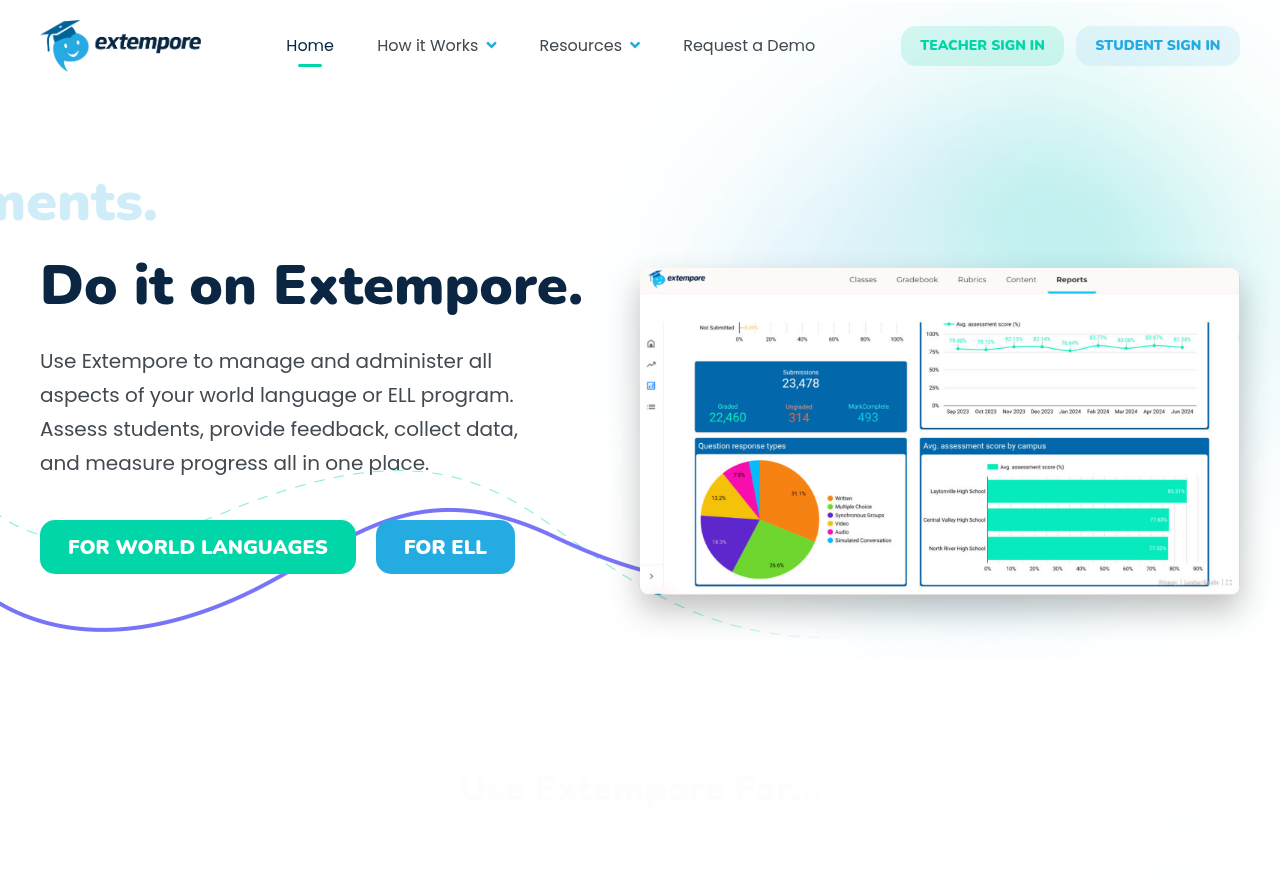
Extempore is a cloud-based assessment platform that schools use to measure and track students' speaking and writing in a world language or in English. It is built for whole departments as well as individual classrooms: common assessments, shared rubrics and district-level score reporting sit in one system, which the company presents as an alternative to a traditional language lab that needs no installation or special equipment.
Extempore is aimed at world language and English language learner (ELL) programs in schools and districts. Teachers use it to give students regular, recorded practice in producing the language and to grade that output consistently. Department chairs and program coordinators use it to keep instruction aligned across classrooms and to follow progress at every level of a program. It also suits teachers preparing students for standardized proficiency and language exams. An ASL teacher quoted on the site reports that its video recording keeps up with signing, so sign language classes can use it as well. Students work within assignments set by their teachers rather than using the platform for independent self-study.
A teacher or department creates assessments, uploads existing ones, or starts from pre-made exam-style tasks, then distributes them to instructors and their classes. Students respond to the prompts by recording their answers or writing them. Teachers score the responses against rubrics shared across the department and reply with comments in the target language. Scores then feed into reporting that shows progress for individual classes and across the district. For interpersonal speaking, students can hold live recorded conversations in groups while the teacher monitors.
Compare the available plans and their included features.
Free
Contact sales
The directory lists 8 tools for teachers.


