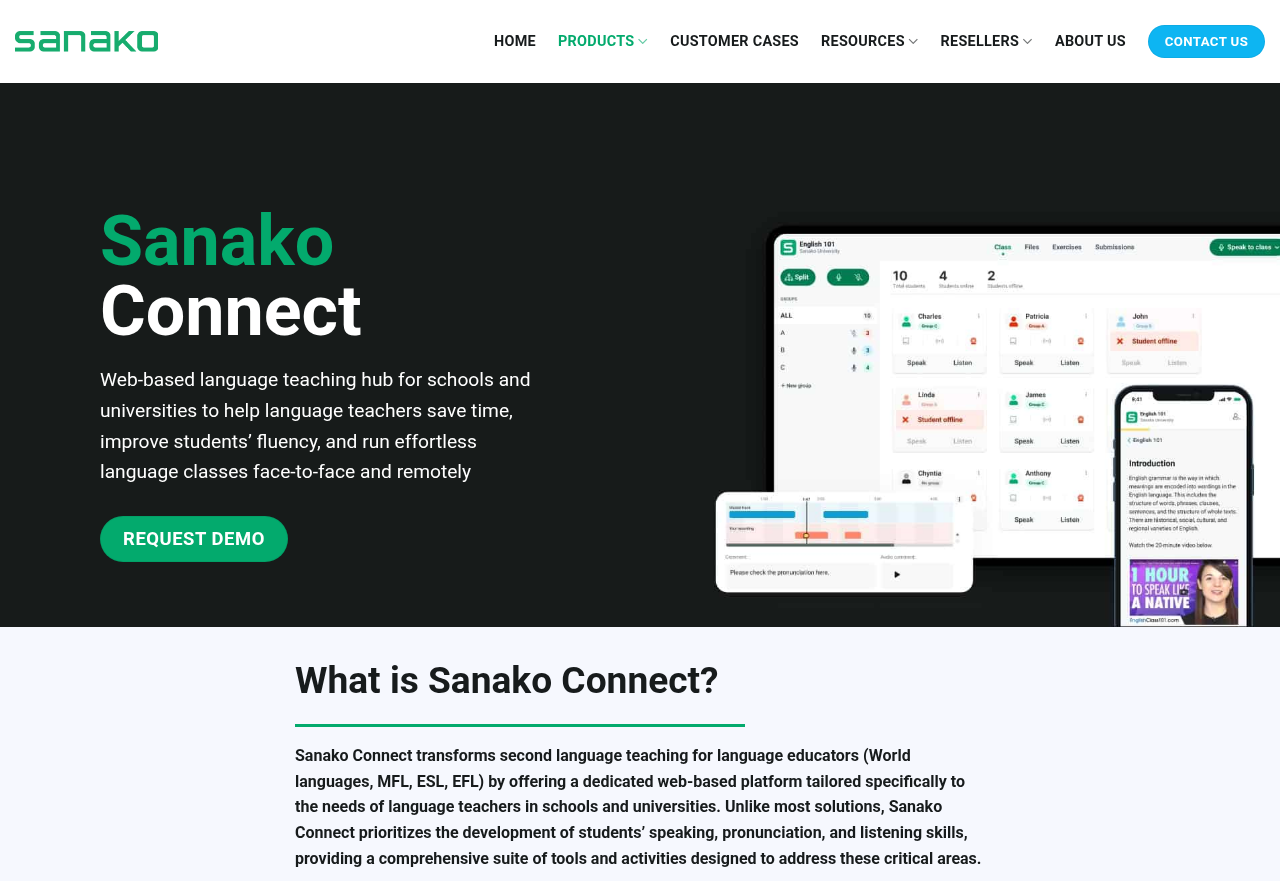
Sanako Connect is a browser-based language teaching hub that combines elements of a virtual classroom, a language lab and practice apps in one teacher-led platform. It focuses on speaking, pronunciation and listening through simultaneous whole-class recording, live pair and group work, and automated pronunciation scoring. A two-track recorder also supports consecutive and simultaneous interpreting training.
Who it is for
Sanako Connect is designed for professional language teachers and language departments in schools and universities, including teachers of world languages, MFL, ESL and EFL. It suits teachers who want more speaking practice time in class and who currently use separate tools for vocabulary tests, quizzes and collecting student recordings. It also fits teachers preparing students for speaking and listening exams such as the World Languages AP® Exams and IELTS, and interpreting lecturers who need recording-based practice. Teachers can use it in the classroom, remotely or in hybrid settings, either live or asynchronously. The platform is described as accessible for people with visual impairments.
How it works
Teachers follow three steps: create, assign and review. They build exercises with the built-in authoring tools or import existing lesson materials, and can embed YouTube videos or their own audio and video files. Students join a lesson by scanning a QR code or opening a unique link, without needing login details. Activities run live or at the student's own pace. Student recordings and responses are collected automatically, and the teacher reviews them and gives written, spoken or live one-to-one video feedback. Teachers in the same organization can share exercises with each other.
Key features
- Live pair and group discussions: Teachers place students into pairs or groups, either by ability or at random, for discussions and role plays. They can monitor each group and collect group recordings for later feedback.
- Whole-class speaking assessments: All students record at the same time and their individual recordings are gathered automatically. Students can listen back to their own speech to reflect on it.
- Automated pronunciation grading: Students listen to native-like speech models, record themselves repeating them and receive an immediate score and feedback. This feature is available for most modern languages.
- Interactive audio and video tasks: Students record their speech alongside any video or audio file. A voice insert feature creates gaps for their responses, which supports interviews, interpreting training and spontaneous speaking practice.
- Examination Mode: Teachers launch live speaking and listening exams in a restricted, teacher-controlled mode. A ready-made workflow simulates the World Languages AP® Exam and collects recordings automatically.
- Self-marking exercises: Gap-fill, translation, flashcard and multiple-choice tasks are corrected automatically, which gives students quick results on vocabulary and comprehension work.
- Time-coded feedback: Teachers attach text and voice comments to specific points in a student's recording, so learners can see exactly where their pronunciation needs work.